How can we help?
Short answers to what people ask before and after they start. Can't find it? A person from Oteo answers you.
Contact form
Choose a topic and we open your mail with the message ready.
Open the formHave an account?
Open Help in Oteo and ask your question. A person from Oteo answers you there.
Sign inGetting started and the trial
From sign-up to your first invoice in a few minutes.
How do I start?
Choose Try free, sign in with Google or with a code we email you, enter your business name and upload one invoice or connect Gmail. That is all.
Can I try it free, and do I need a card?
Yes, with your own invoices. No card needed and nothing to cancel.
What happens when the trial ends?
Everything stays visible. Oteo stops reading new documents until you choose a plan.
Can I look around without an account?
Yes. On the homepage, open the example: a made-up company you can click through. Nothing you do there is saved.
Which languages does Oteo speak?
Dutch, English and Spanish, on the website and in the app. You can switch at any time.
Documents and reading
How invoices and receipts get in, and what Oteo does with them.
Which files can Oteo read?
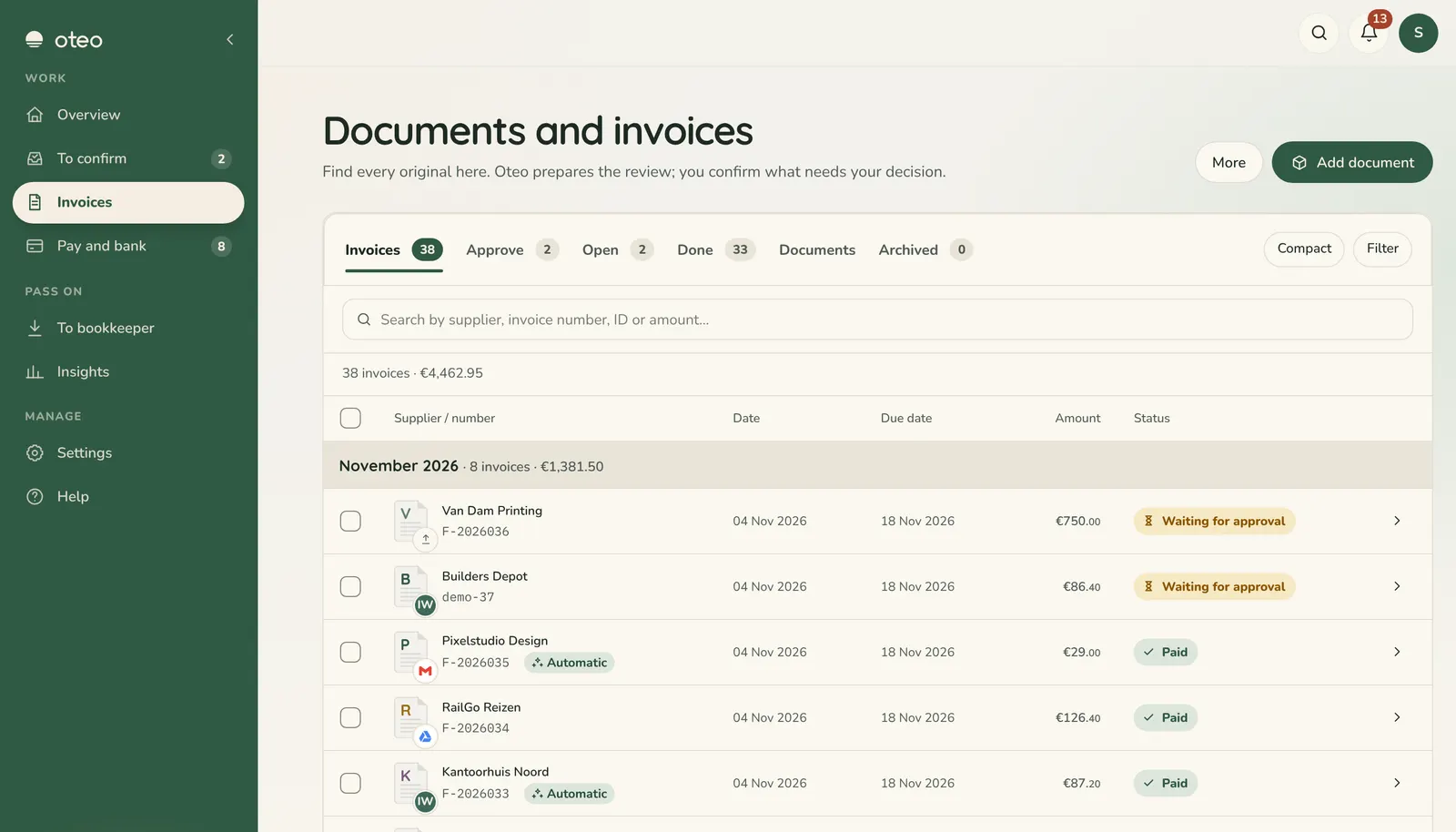
PDF, JPG, PNG, WebP and iPhone photos (HEIC) up to 8 MB. You can drop several at once. Lists of invoices can come in as a CSV file.
How do my invoices get into Oteo?
Upload them, or connect Gmail, Microsoft Outlook, forwarding address, Telegram, phone, Microsoft OneDrive, or other mailbox so Oteo picks them up itself. The Integrations page shows every source.
Does Oteo process everything by itself?
No. What Oteo reads stays a suggestion until you confirm it. When Oteo is unsure, it asks you with one tap. From Pro, Autopilot can book routine invoices from suppliers you already know; you always see why, and you can undo it.
What if Oteo reads something wrong?
Open the invoice, compare it with the original next to it and adjust the field. The original always stays as it came in.
Why was an attachment skipped?
Oteo only keeps financial documents. Logos, signature images, terms and delivery notes are skipped and do not count. You find them under Skipped and can still process one.
What counts as a document?
Each invoice or receipt Oteo reads counts once. A document Oteo cannot read, or an attachment it skips, costs nothing.
Your mail
What Oteo does, and never does, with your inbox.
What does Oteo do with my mail?
Oteo reads your mail only to find invoices and receipts. It never sends or deletes mail. If you turn on filing, Oteo labels invoice mails or moves them to a folder.
Does signing in with Google give access to my Gmail?
No. Signing in with Google only confirms who you are. Connecting Gmail is a separate step you choose yourself.
What about mail from an unknown sender?
Mail whose sender cannot be verified is never processed automatically; it waits for you. Links from a mail open through an Oteo page that first shows where they go.
Can I disconnect my mailbox?
Yes, any time in Oteo. To connect it again you sign in with Google once more.
Payments, bank and VAT
Oteo prepares; you decide and pay.
Does Oteo pay my bills?
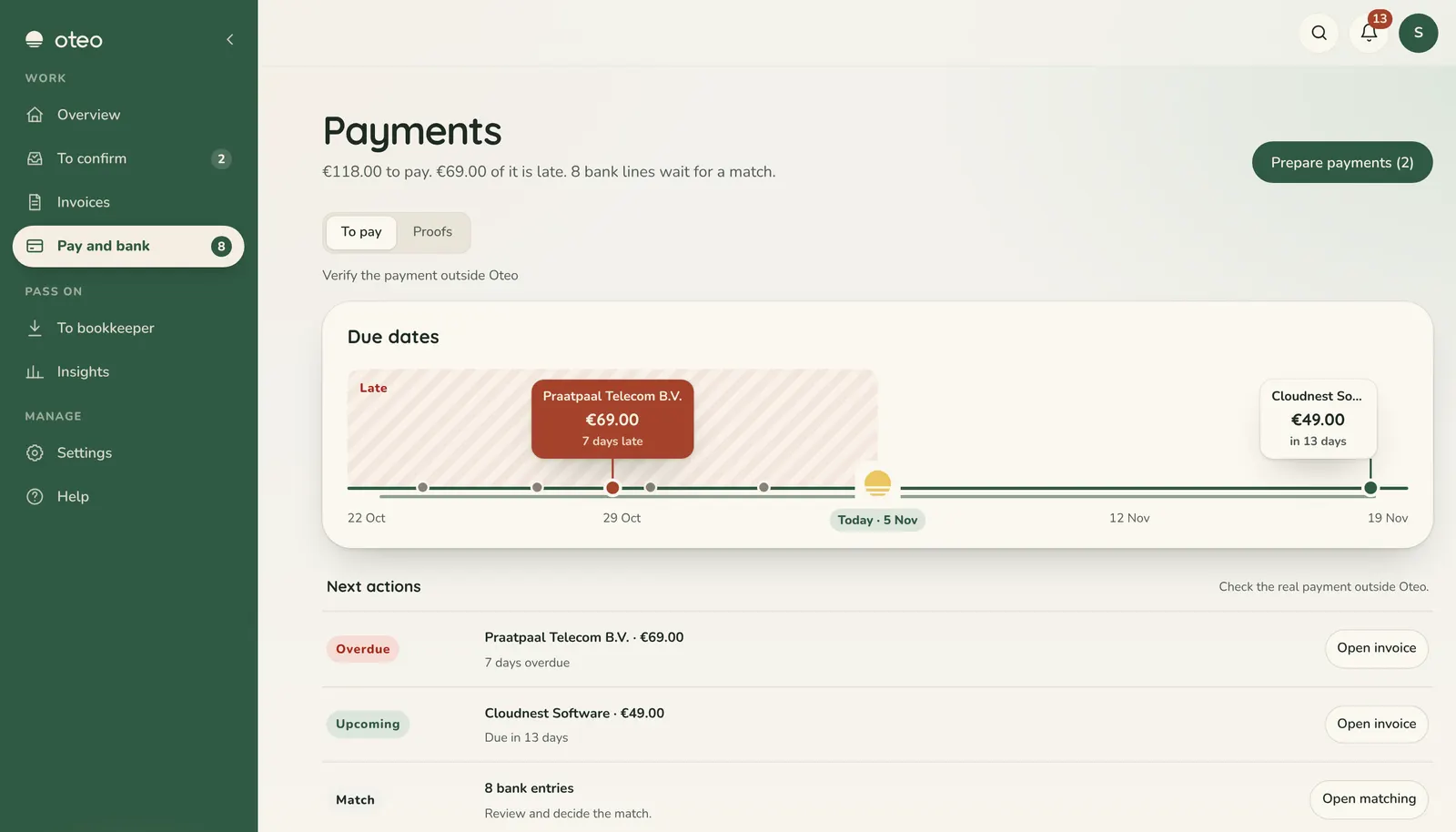
No. Oteo prepares payments and tracks whether they happened. Money only moves when you move it in your own bank.
Does Oteo log into my bank?
No. Bank lines come in as a file you upload yourself, and Oteo matches them to your invoices.
Does Oteo file my VAT return?
No. Oteo gives every invoice a neutral VAT label and passes it on in the export, so your accountant can file quickly.
Does Oteo send e-mails to my customers or suppliers?
No. Oteo never sends e-mail on your behalf.
Plans, paying and cancelling
Clear prices, monthly or yearly, cancel any time.
Which plans are there?
After the trial you choose Starter, Pro or Team, paid monthly or yearly. The plans page shows what each one includes and costs.
How do I pay?
Through Stripe's secure checkout. Oteo never sees or stores your card. The price you see is the final price.
How do I change or cancel my plan?
In Oteo, go to Settings, then Plan, and open Manage subscription. You can switch or cancel there at any time.
What happens to my data if I stop?
It stays yours. Your plan runs until the end of the period you paid for. Oteo never sells your data, and you can export it or ask Oteo to delete your workspace.
What if I run out of documents?
Everything stays visible. New documents wait until the next period, or until you choose a larger plan.
What happens if a payment fails?
Oteo shows it at the top of the app, and the owner or an admin can update the payment details in one step.
Security and privacy
Your administration stays yours.
Who can see my data?
Only the people you invite. An Oteo specialist only looks at a document when you ask for help with it, and every look is logged with the reason in your workspace.
Where is my data kept?
In Oteo's database at Supabase and on Vercel's servers, in the EU. It is never sold or used for advertising.
What does the AI do with my documents?
To read a document, Oteo uses AI from Google (Gemini), Anthropic (Claude) and OpenAI. Oteo does not use your data to train AI models, and Anthropic and OpenAI do not train their models on it either.
Can I take my data with me, or delete it?
Yes. You can export your administration at any time and ask Oteo to delete your workspace.
Your accountant and export
Work together without sending files back and forth.
Can my accountant work with Oteo?
Yes. Invite your accountant for free, read-only access. They look along and download the export themselves.
Which export formats are there?
CSV, Google Sheets, Xero, QuickBooks, Exact Online, SnelStart, Twinfield, e-Boekhouden, and Holded. Or send invoices straight to Moneybird.
Is my accountant an extra paid seat?
No. The accountant's access is free and read-only.
Signing in, account and team
No passwords, and room for your team.
How do I sign in?
With Google, or with a code we email you. Oteo has no passwords.
I did not get the code. What now?
Check your spam folder and that the address is right; under the code boxes you can change the address. Then ask for a new code.
Can I add colleagues?
Yes. Invite them from Settings, Team. How many people can join depends on your plan. Owners, admins and reviewers handle invoices; others can look.
Can I have more than one company?
Yes. If you are in more than one workspace, you switch between them from the account menu.